Convert PubMed .nbib files to .ris citation files
Sometimes we can only download a citation from PubMed but it cannot be readily imported into some of the common citation mangers because it is a .nbib file, a format created by the National Library of Medicine. Common citation managers import RIS (Research Information Systems) files. Therefore we need to convert .nbib to .ris.
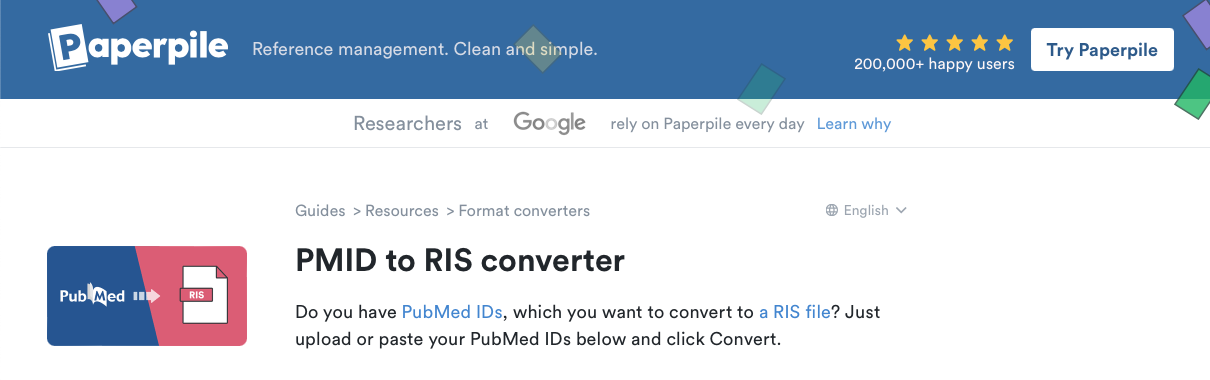
One tool we can use is online converters like this one from Paperpile (NOT a paid promotion):
Download the .nbib citation
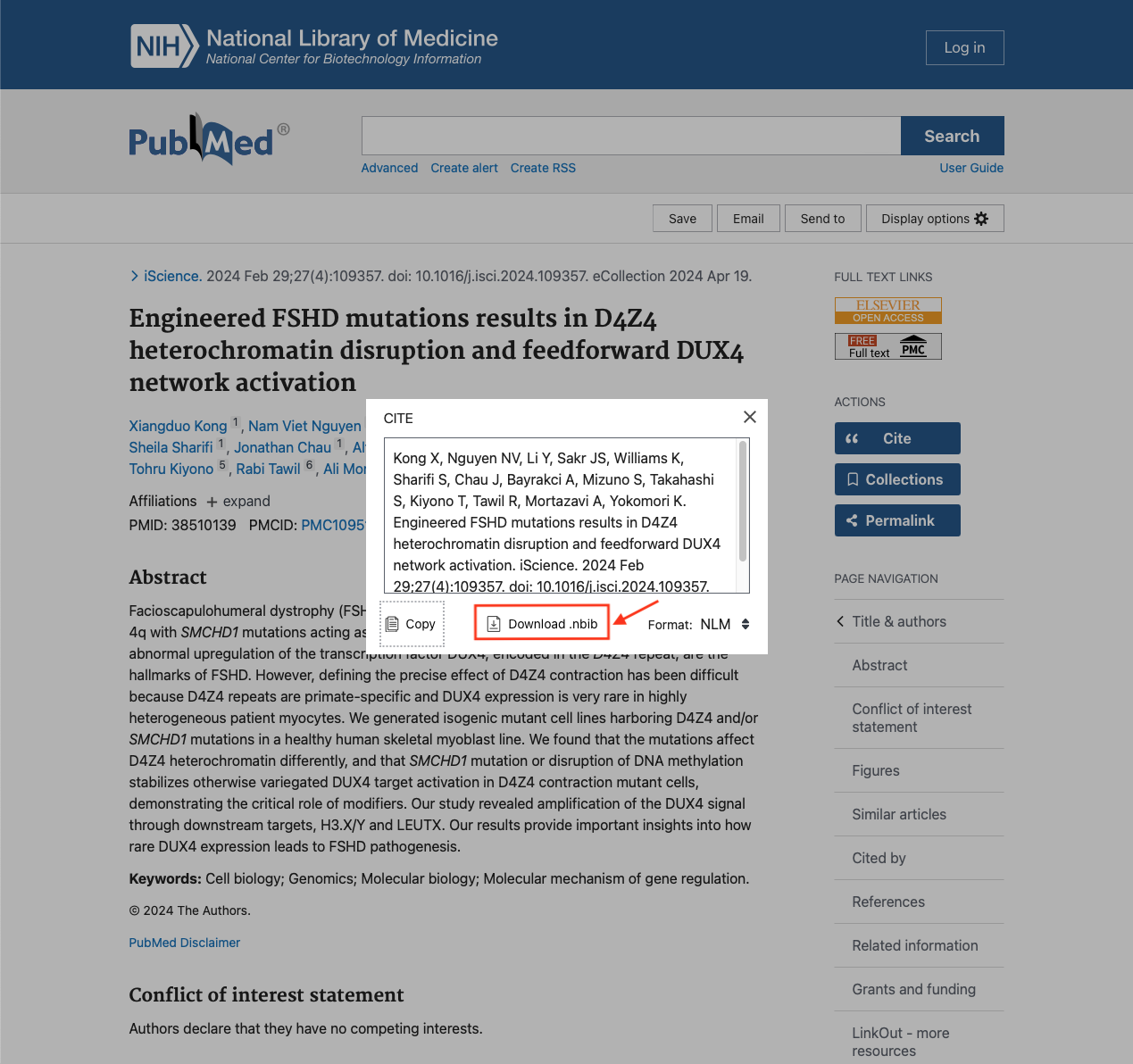
First, we need to download a citation off the PubMed website. Here is an example you can use. On the right-hand side, find the “Cite” button under the “ACTIONS” section near the top of the page.
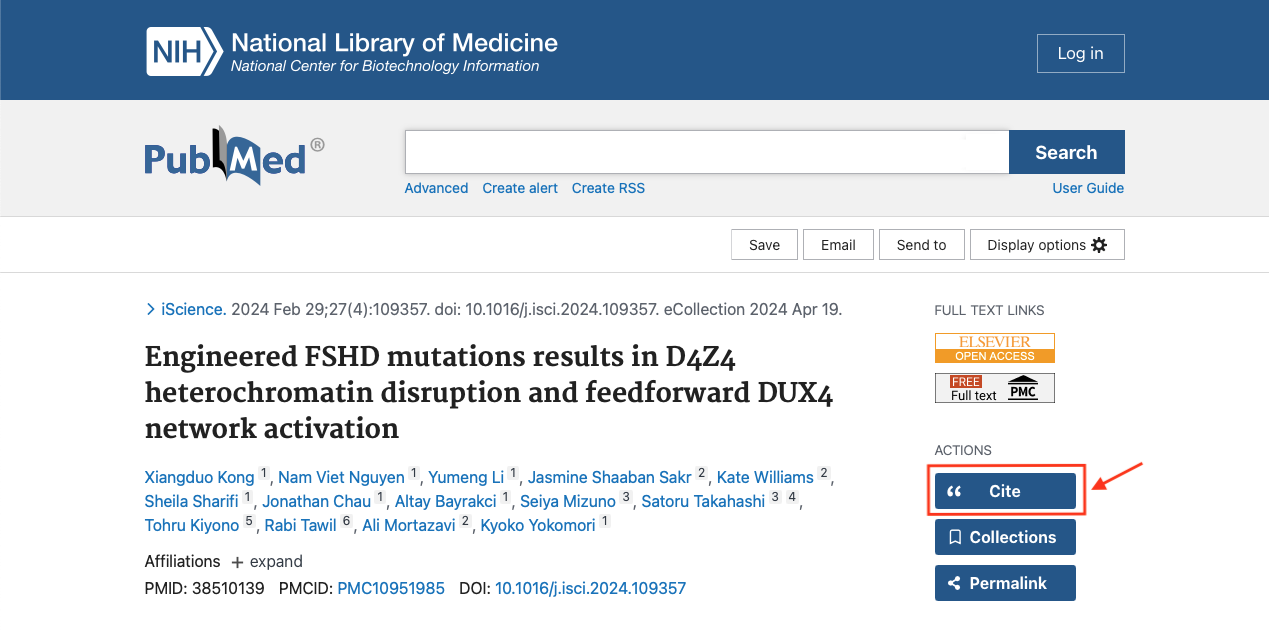
A pop-up with the citation will come up. Click the “Download .nbib” button.
Convert .nbib to .ris
Now we can go back to the online converter and upload the downloaded .nbib file. First, we need to change the format from PMID to PubMed.

Next to “From” use the drop down menu to find PubMed (*.nbib format).

Either drag and drop the .nbib file or choose the file through your file explorer.
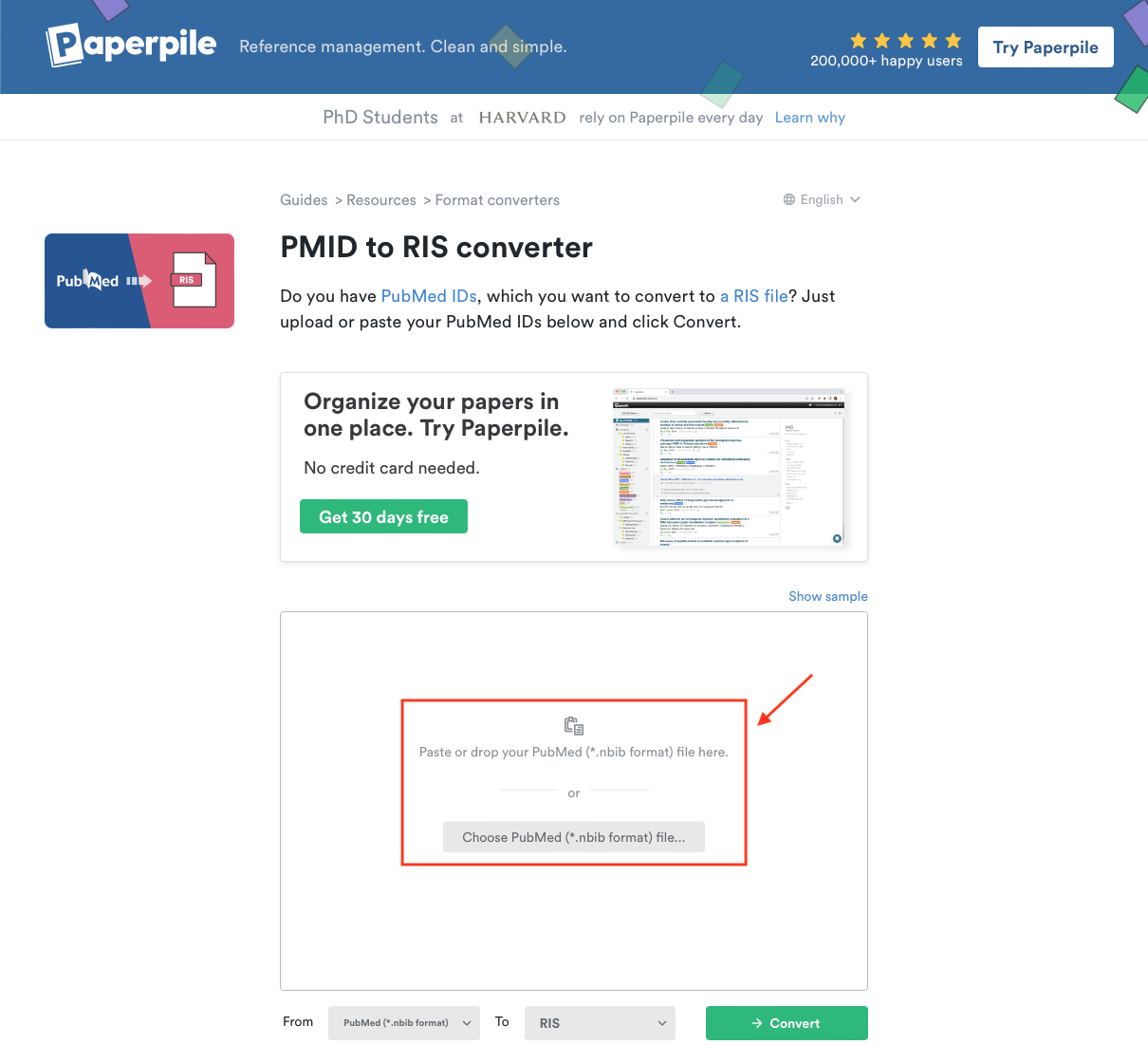
Double check that it looks like this: From PubMed (*.nbib format) To RIS then click the “→ Convert” button.

Finally, click the “Download RIS file” button.
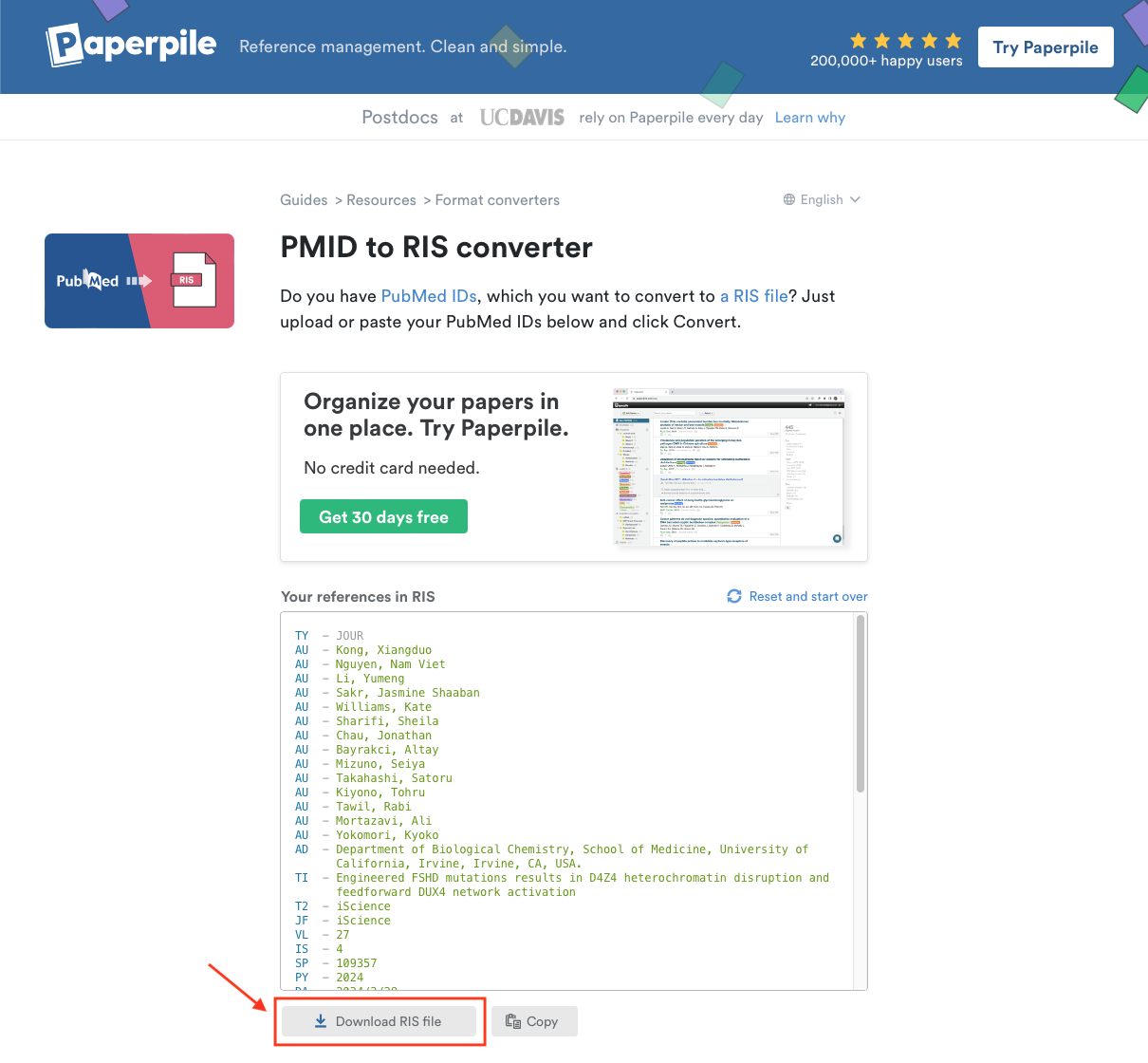
Now you can import the .ris file into your citation manager!