Track and Visualize Activity in Your PhD Vault
Activity visualization relies on tracking activity by adding information in the yaml frontmatter of your daily notes and later using plugins to consolidate the data and visualize it. You can track lots of things in different ways once you decide what and how to track it.
What is a frontmatter?
Frontmatter is where the metadata in Markdown files is written. It is usually at the very top of the page and is written in YAML. To add a frontmatter to a Markdown file, on the very first line of the file add three dashes, in the following lines add the metadata you want in YAML syntax, and end the frontmatter by adding another line of three dashes. This results in a three-dashed block at the top of your file. It might look something like this
---
title:  "Title of the page"
date: YYYY-MM-DD
tags:
  - tag1
  - tag2
  - tag3
---
Obsidian’s frontmatter
Obsidian is basically a folder of markdown files (and hidden folders of fancy things that make up the Obsidian functionality and related plug-ins). Obsidian supports these properties in the frontmatter of its notes (as of October 2025):
Usually frontmatters are hidden in markdown files, but in Obsidian it shows in the notes. Here is an example using a daily note:

When switching to reading view from editing view, the metadata is still visible. Notice how there are different icons next to each piece of metadata based on the property type.

What is Daily notes?
Daily notes is a core plugin that opens a note based on the date. It can be used to create journal, logs, notebook. For our PhD vault, we will be using it like a digital personal lab notebook. Our daily notes will be created from a template so it will automatically include the metadata we document on a daily basis.
Heatmap like visualization
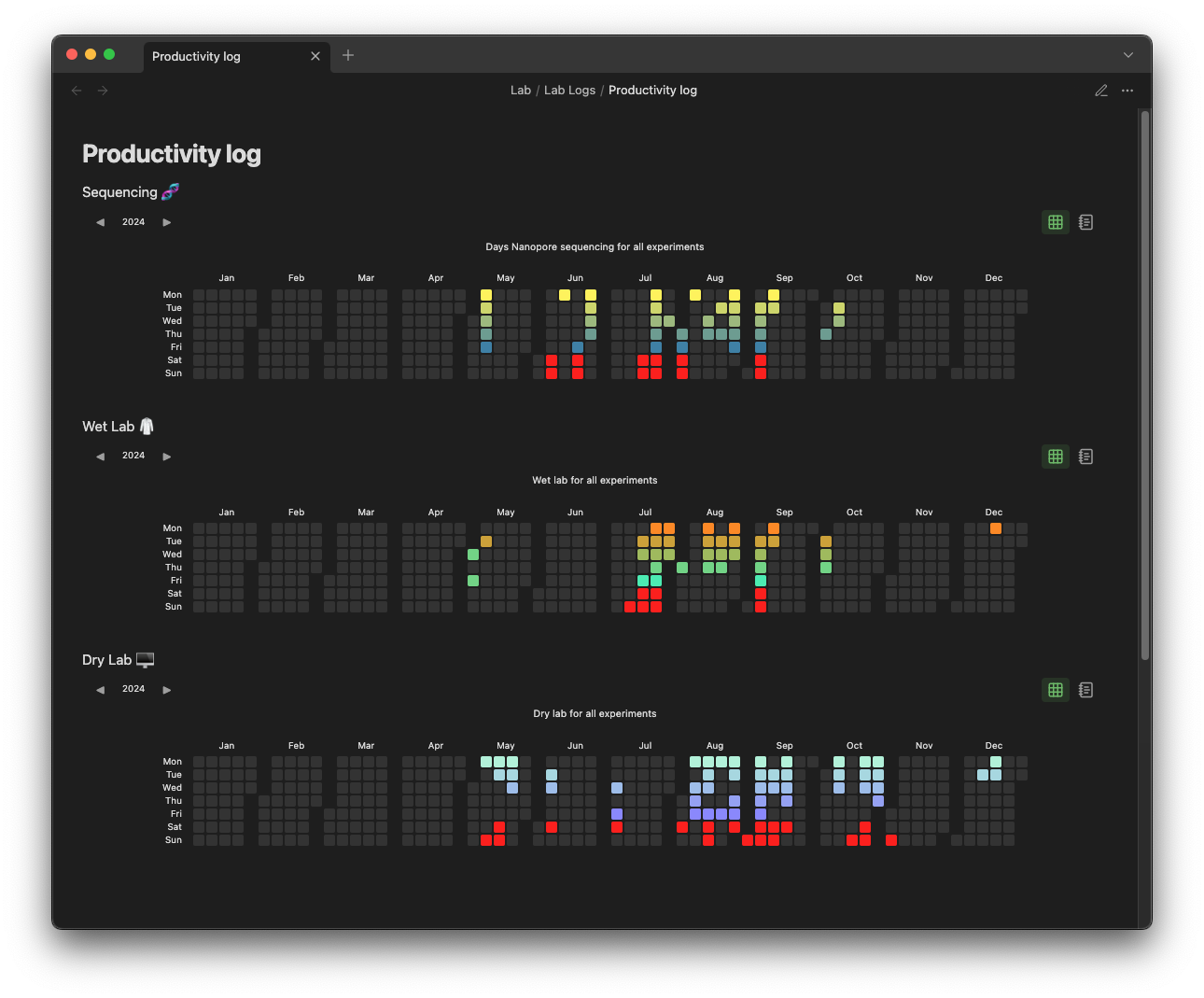
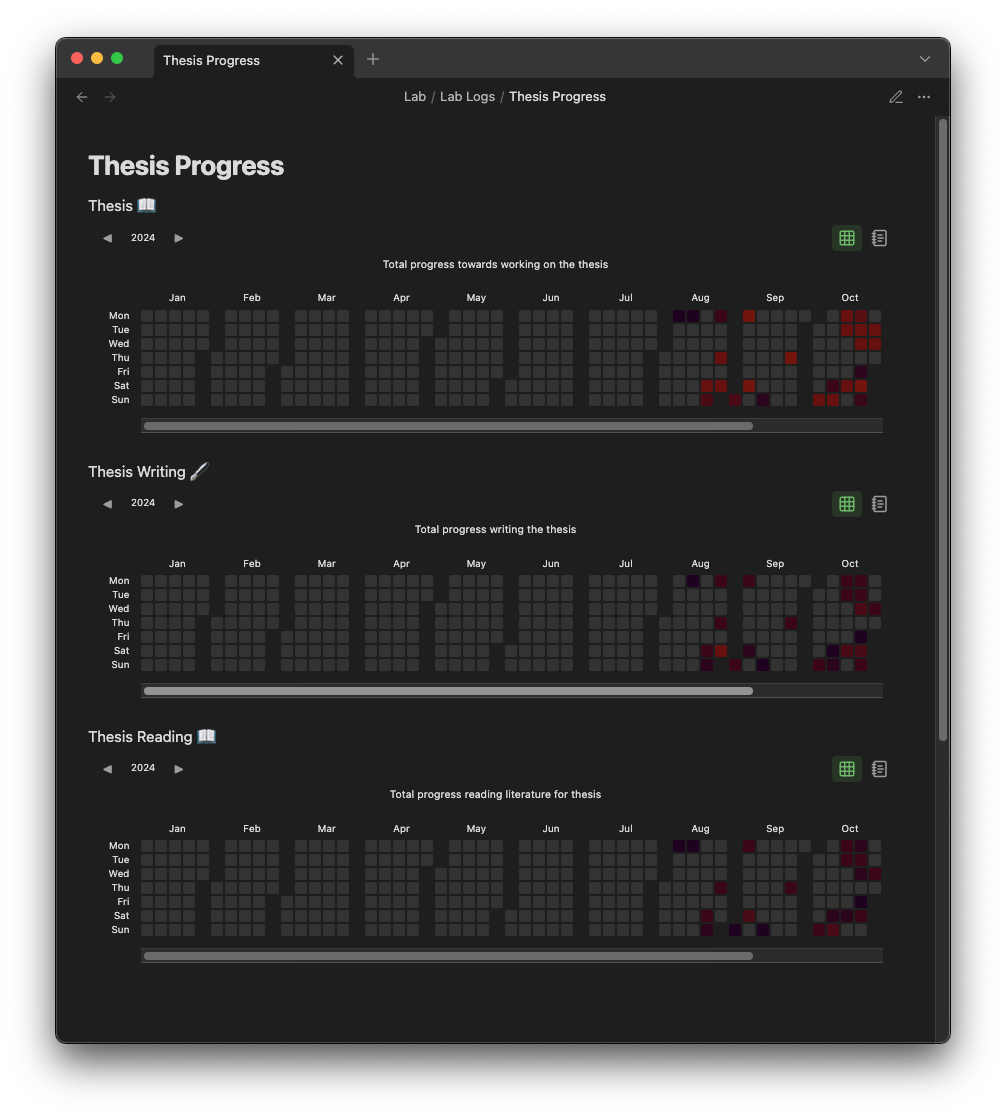
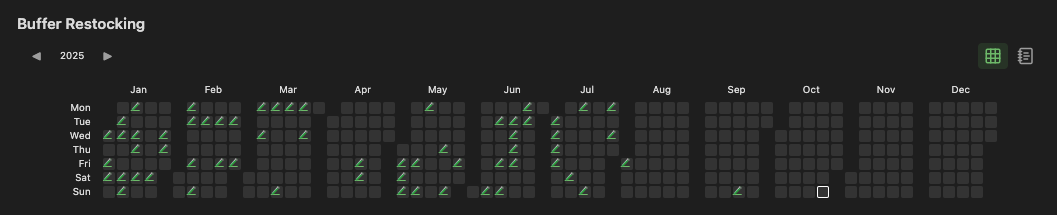
This vault visualizes activity using the concept of a heatmap in a calender grid. A heatmap is a map or a grid that represents values using color intensity or color schemes. So combining the two results in a calender with a color scheme representing the activity we are tracking. This visualization is done with an Obsidian community plugin. At first HeatmapCalender plugin was used but then Heatmap Tracker plugin was recently implemented for these additional functions (as of October 2025):
- Separating the months for more convenient visualization
- Easily switching between each year with a click allows you to keep only note to visualize all activity.
- Quick click statistics tab.
Color gradients and palettes
For help picking color combinations to create interesting color gradients and palettes, I used the coolors website (not sponsored).
Different ways of tracking activity
Here are some of the ways this vault tracks various activities.
Calender Visualizations
Tracking with a weekly color gradient
 (explanation coming soon)
Tracking with duration for color gradient
 (explanation coming soon)
Tracking “check off” activities with icons
 (explanation coming soon)